Interface guide
Choose your player layout
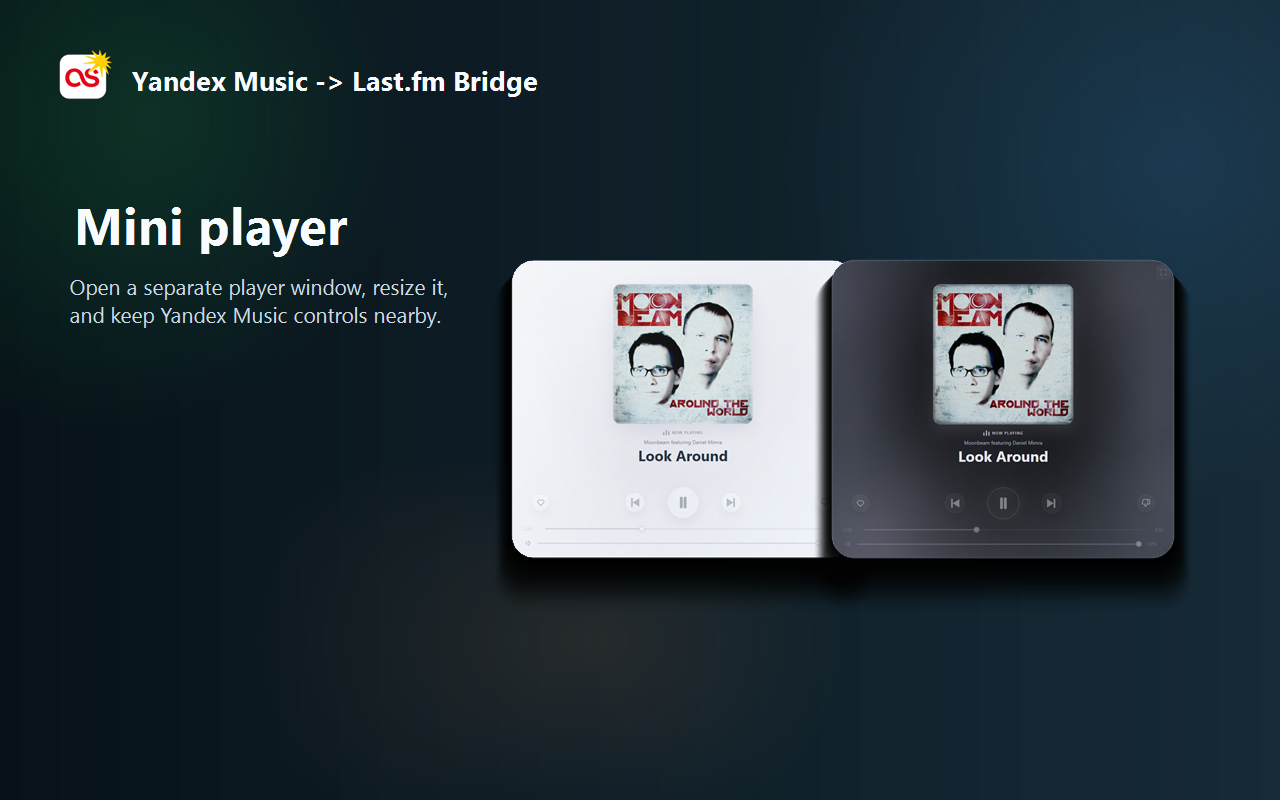
Keep the complete control surface or switch to a focused view built around the artwork, progress and the controls you use most.
Two control surfaces
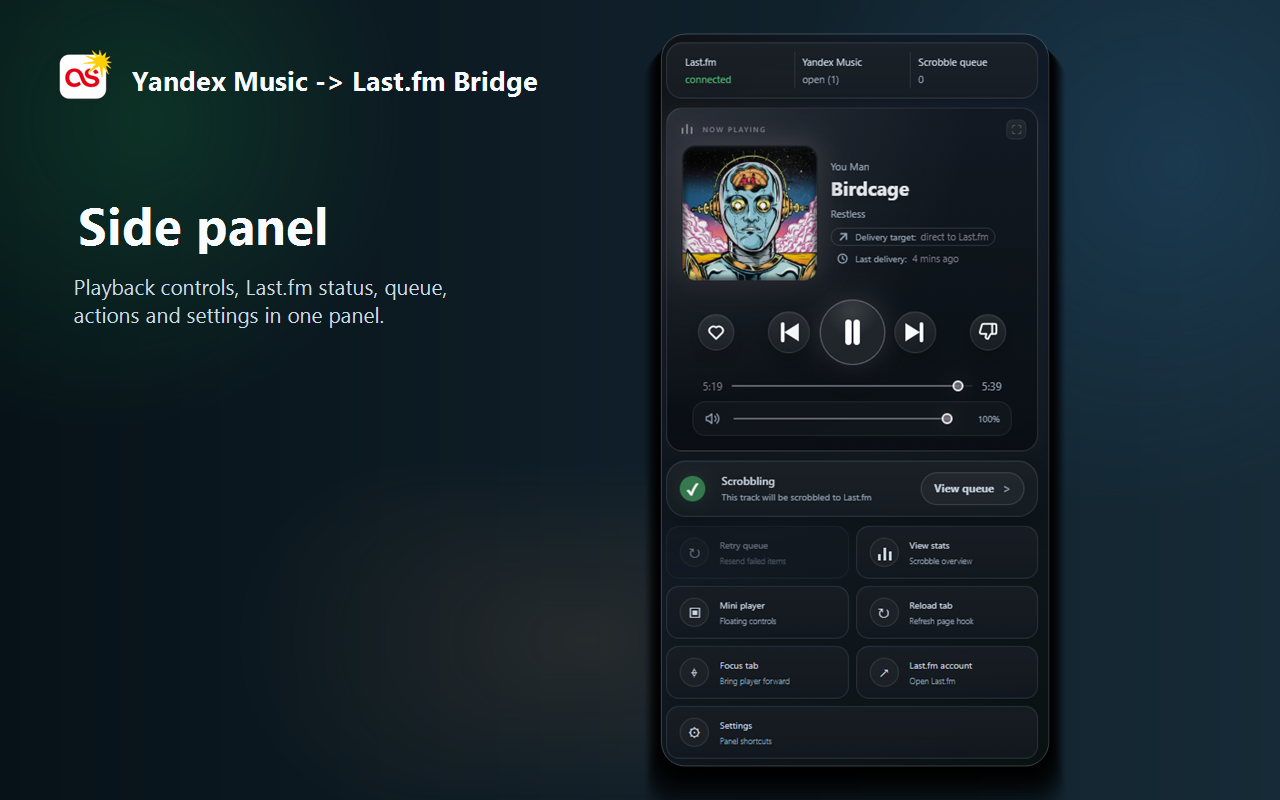
The side panel stays attached to Chrome and keeps Last.fm state, the queue and tools nearby. The mini player is a separate resizable window for playback controls and artwork.
Both read the same live Yandex Music track. Switching a layout changes presentation only; playback, likes, seeking and scrobbling continue through the extension.
Mini player layouts
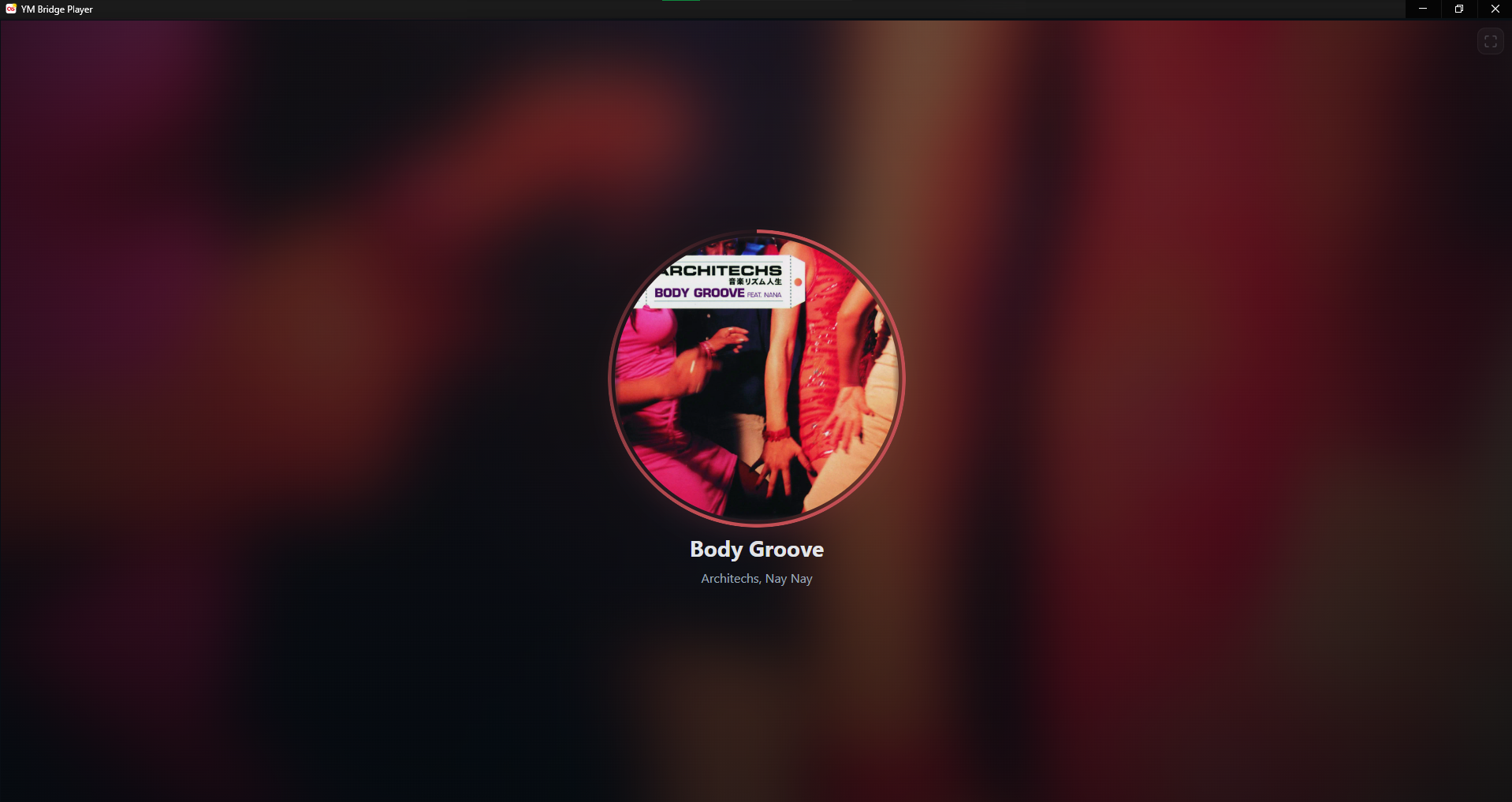
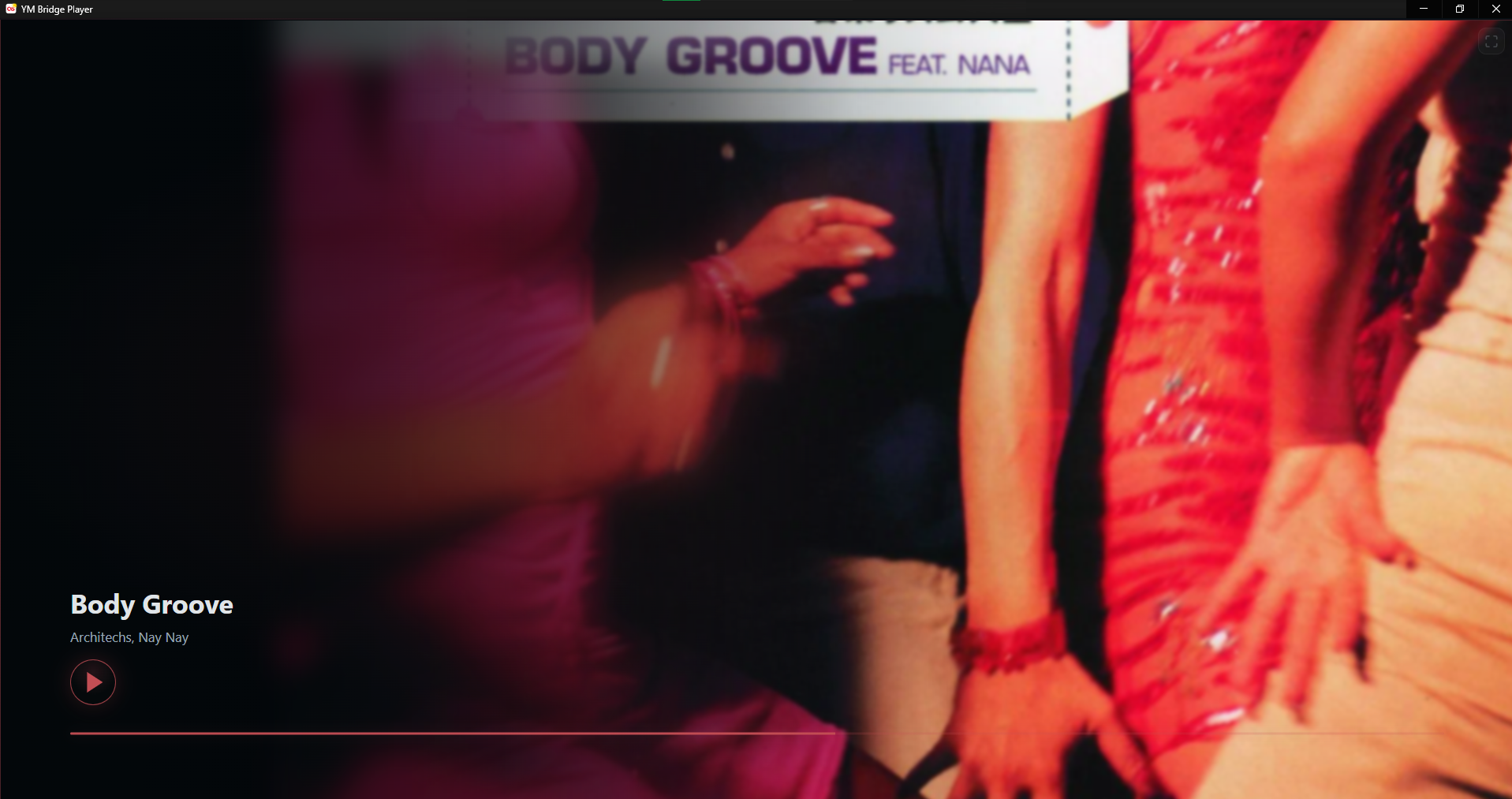
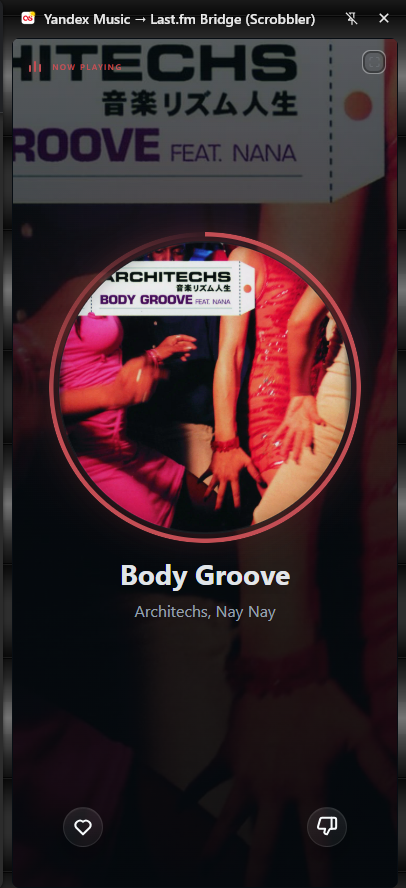
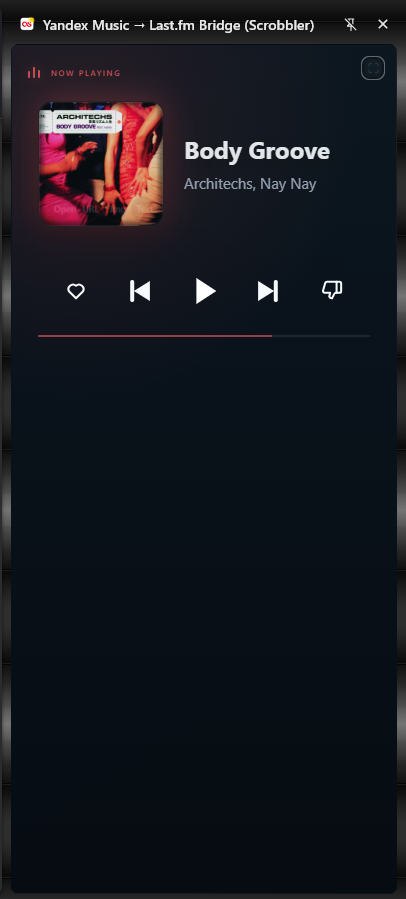
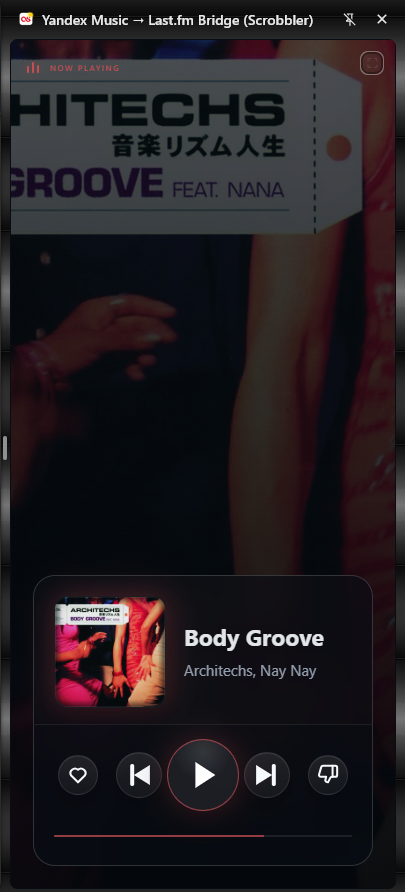
Use the full player for every control, Progress disc for artwork-led listening, or Ambient for a wide window that blends the cover into its sampled color.
Side panel layouts
The complete panel exposes status and tools. Compact views keep playback close: Progress disc emphasizes the cover, Control deck is dense and direct, and Glass card floats the controls over an ambient backdrop.
Cycle or pin a layout
Press the layout button in the upper-right corner to move through the full view and every compact skin. Progress and controls remain live while the interface changes.
To keep one design, open Global settings and select a fixed value under Mini player compact view or Side panel compact view. Choose Cycle all to keep the round-robin behavior.