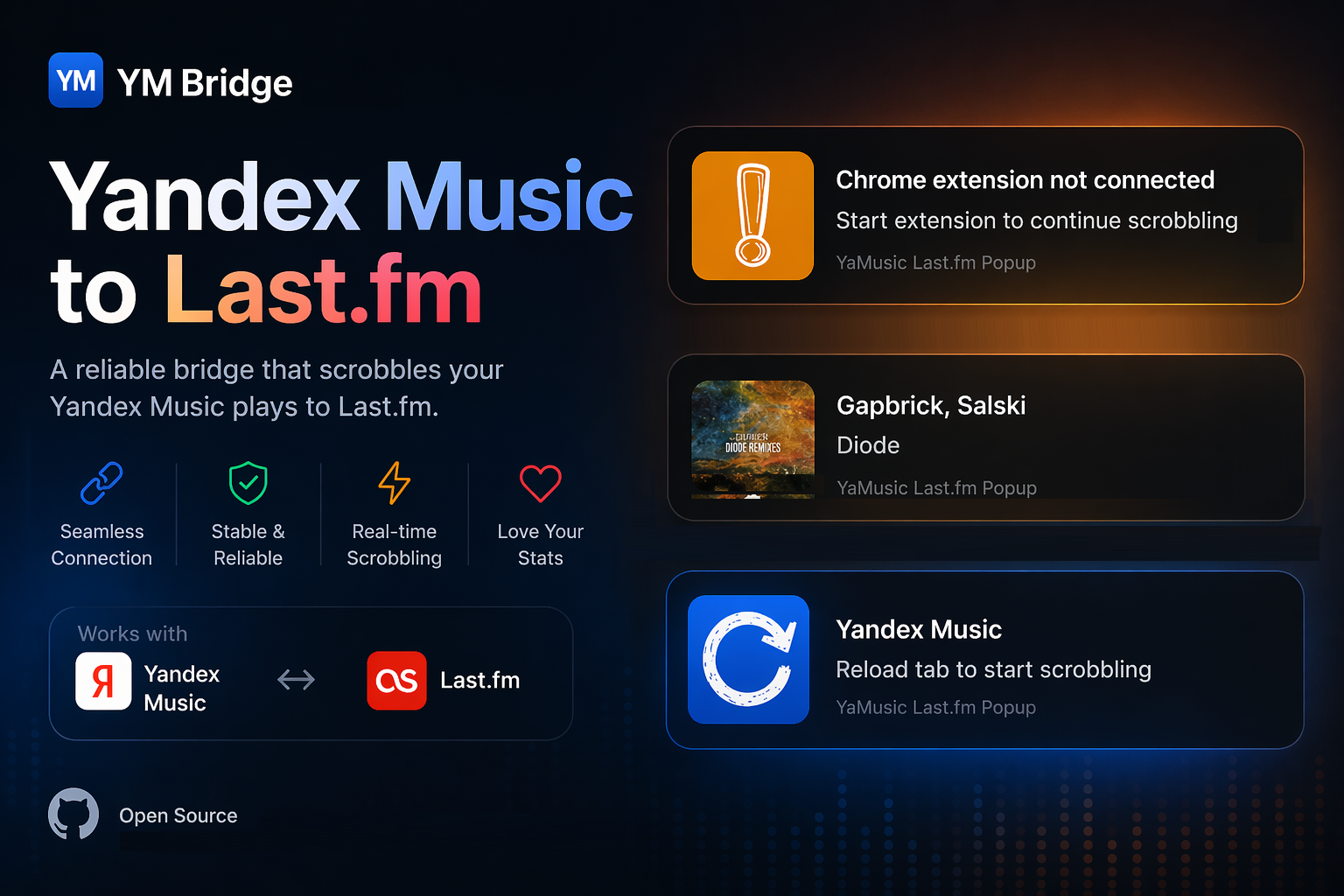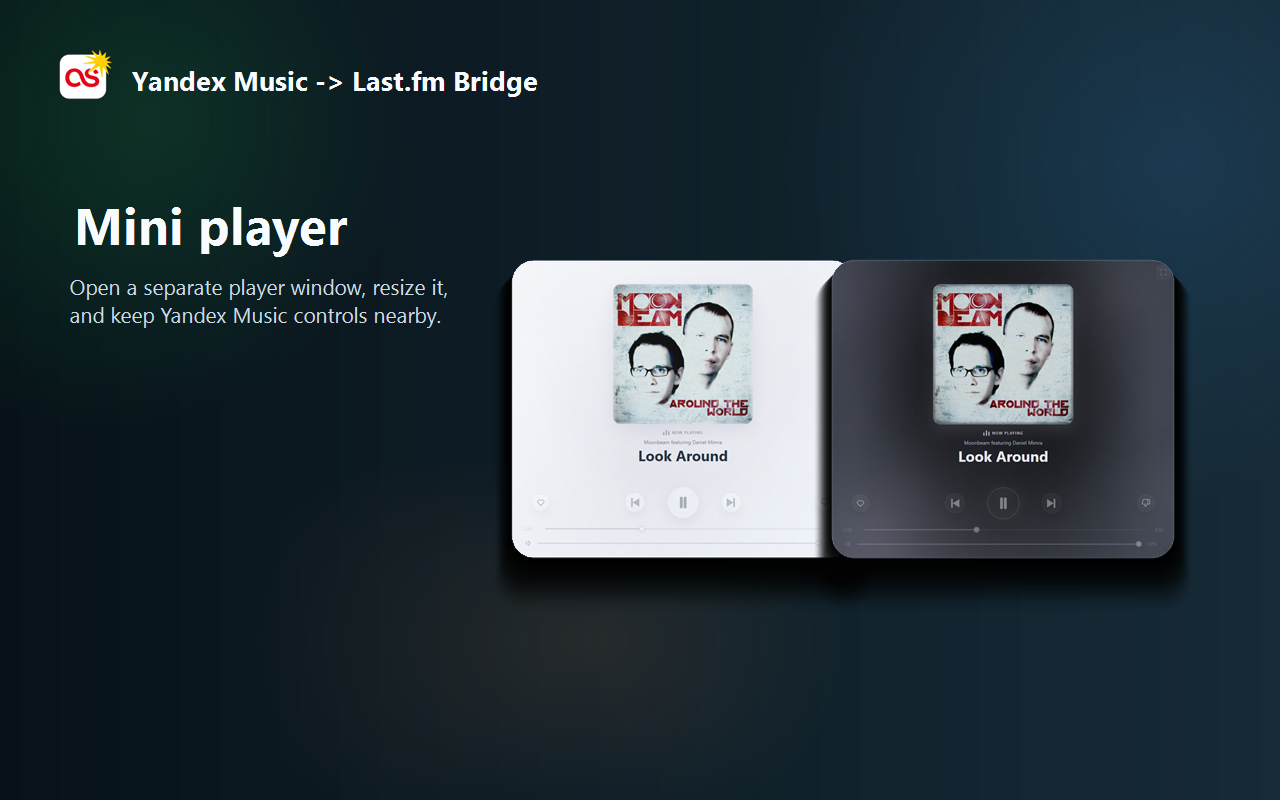
Floating controls
Mini player
Open a separate window, resize it from compact controls to a cover-first view, and keep it on another display.
Chrome extension for Yandex Music
Playback controls, a resizable mini player and optional Last.fm scrobbling without leaving your current tab.
No ads, product analytics or behavioral tracking inside the extension. The desktop companion is optional.
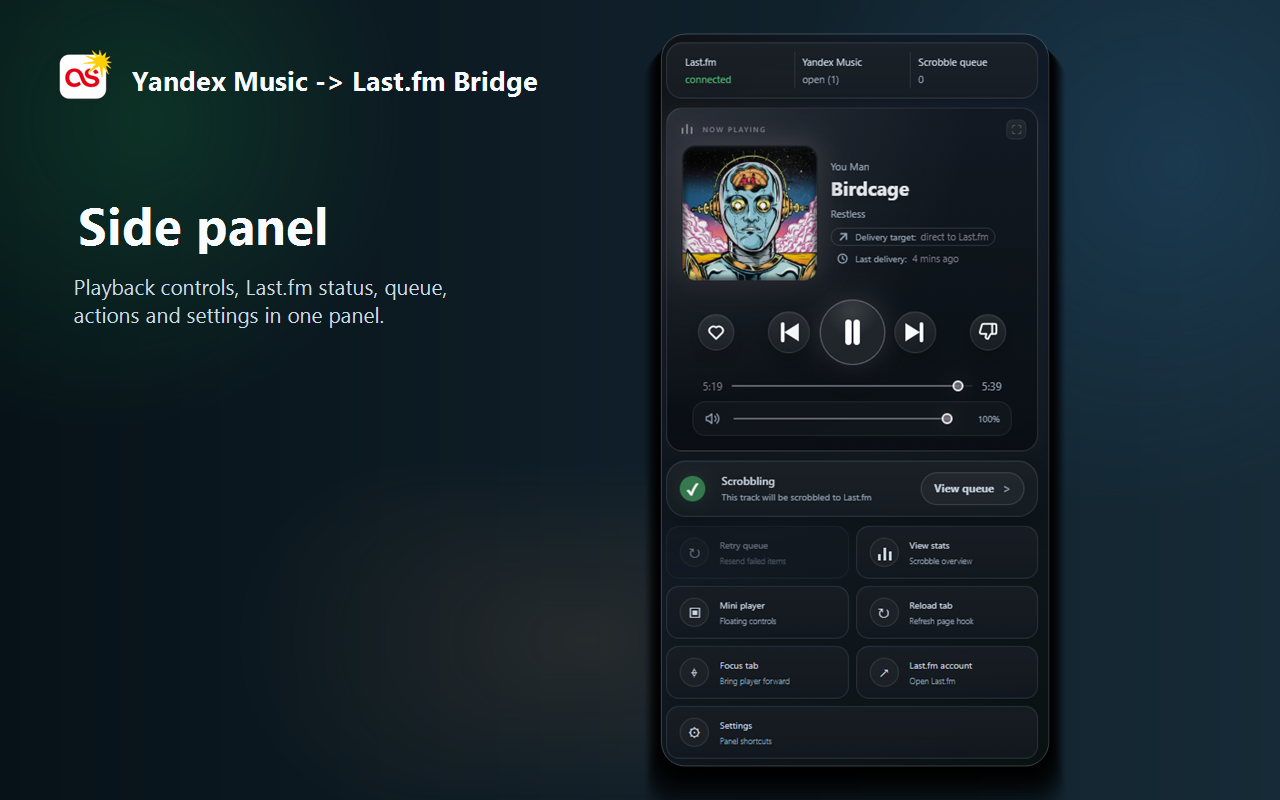
One control surface
The side panel follows the current Yandex Music track and keeps the controls you use most in one compact view.
Floating controls
Open a separate window, resize it from compact controls to a cover-first view, and keep it on another display.
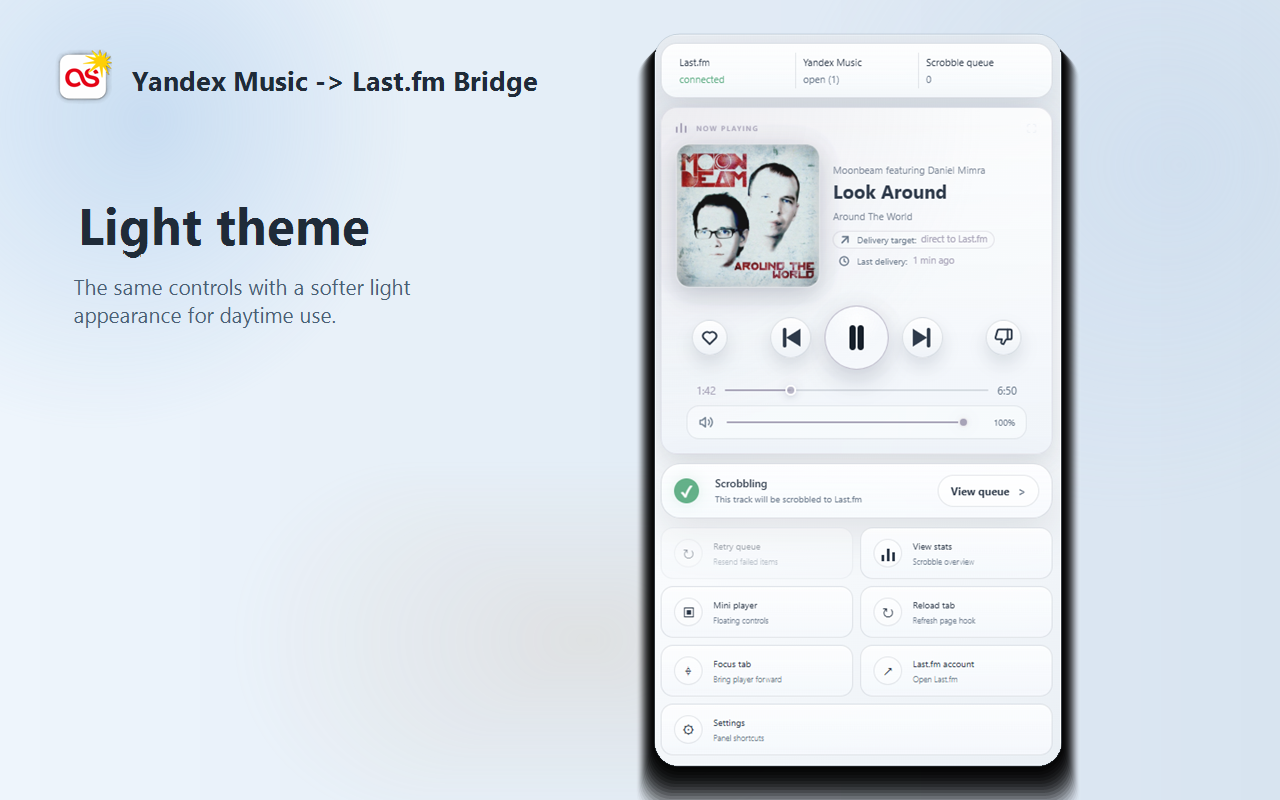
Appearance
Match the panel to your desktop. Album-derived accents keep the current track visible without overwhelming the interface.
More than transport buttons
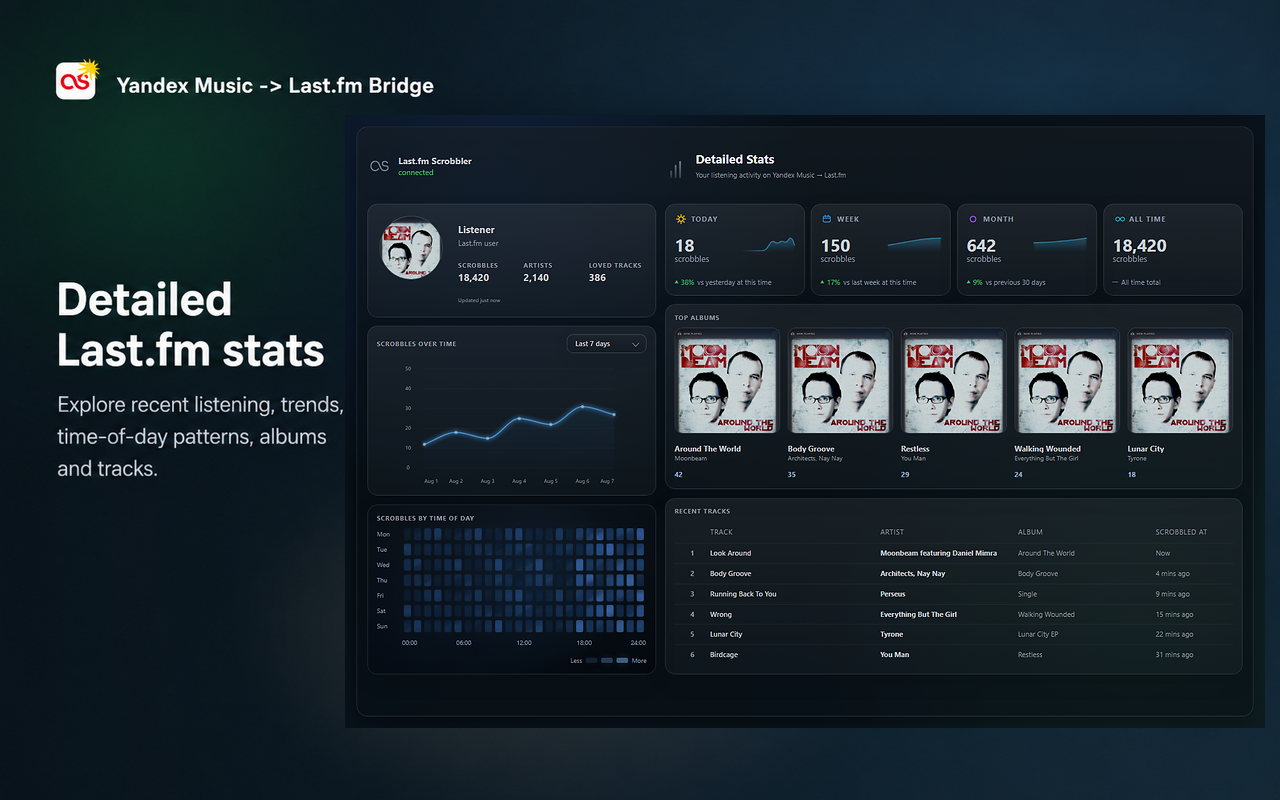
Connect Last.fm when you need it. The extension keeps a visible delivery queue, retries failed items and shows detailed listening statistics for direct connections.
Play, pause, seek, adjust volume, switch tracks, and manage like or dislike state when Yandex Music exposes it.
After explicit folder access, write the current track to TXT and JSON with an optional local cover file for OBS.
Open artwork, copy its URL or image, and copy the current Artist - Track value from the panel or mini player.
The Windows companion adds native track-change popups. Playback and scrobbling remain owned by the extension.
Practical guides
Focused walkthroughs for connecting Last.fm, using the direct-first relay fallback and resolving delayed scrobbles.
Local-first by default
No ads or product analytics. Settings and the Last.fm session are stored in Chrome extension storage.
Explicit actions. File and clipboard access happen only after you grant access or press the corresponding command.
Controlled network paths. Direct Last.fm delivery is tried first. Cloud relay can be disabled, and the desktop companion is used only when you enable its popup integration.
Read the complete Privacy PolicyOptional Windows companion
The extension is complete on its own. Install the companion only if you want a small Windows notification window when the track changes.